Preview the world
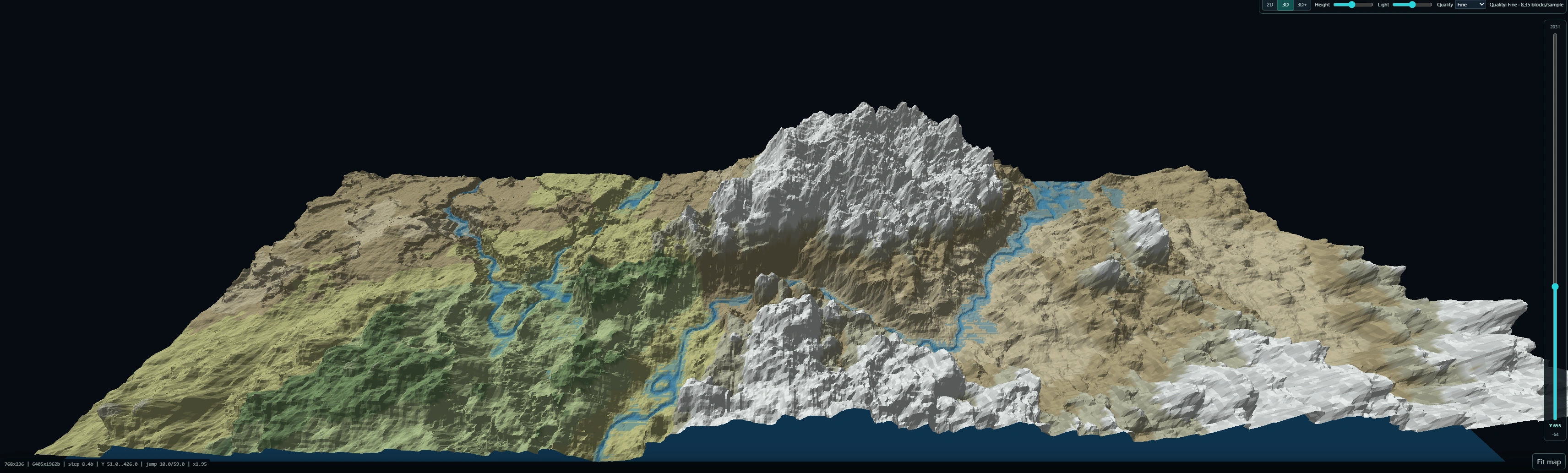
Inspect surface terrain, cave and Y-level views, biome colours, relief, contours and structure placement candidates across a navigable map.
Free beta for Windows and Linux / 1.0.0-beta.4
See what your worldgen is doing before Minecraft spends ten minutes proving you wrong.
PRISM Worldgen Lab is an offline-first desktop workbench for Windows and Linux for previewing Minecraft terrain, comparing changes, inspecting biomes and structure candidates, tuning values and preparing reviewable exports.
Current: 1.0.0-beta.4 / Update 4 for Windows and Linux - the first Linux release, with every former Plus feature in Community, the Default theme with eight accents, optional GPU climate sampling and the exact Streams Reflowing preview.

01 / Origin
WGL was built from scratch for the P.R.I.S.M. workflow. Repeatedly launching Minecraft, creating another world and flying around just to inspect one density-function change gets old fast. WGL moves that loop into a dedicated tool.
02 / Product
Inspect surface terrain, cave and Y-level views, biome colours, relief, contours and structure placement candidates across a navigable map.
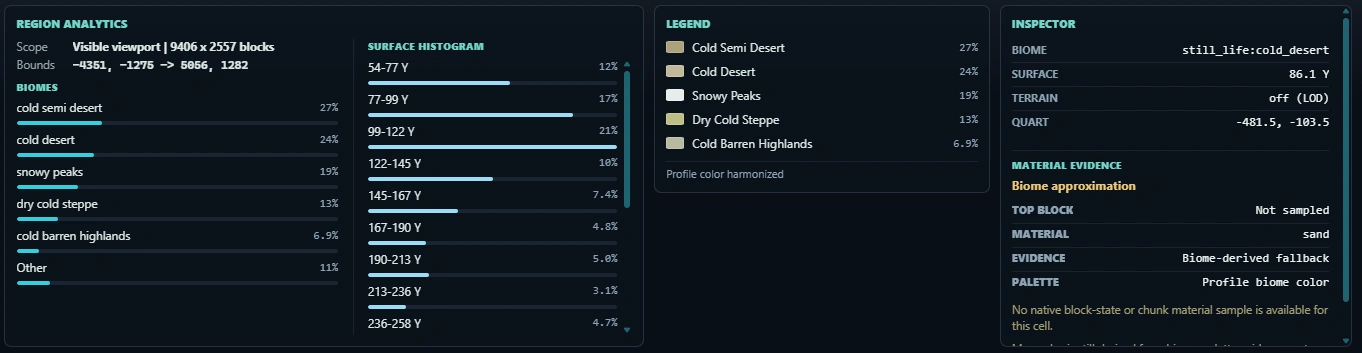
Use Mirror and difference views, filters, regional metrics and viewport analytics to see what a tuning change actually did.
Search biomes and structures, filter visible results and run simple ranked seed scans.
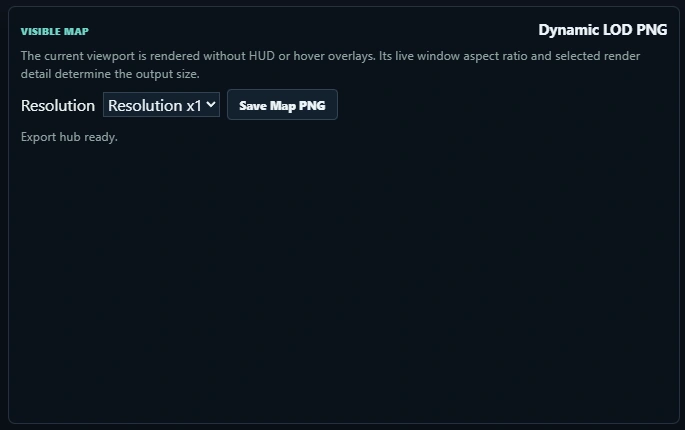
Save the visible map as PNG and export active manual tuning values as a loadable datapack ZIP, including the selected Y Height Limit.
Community users can load individual datapacks and mod JARs. Complete launcher profiles and modpack folders are not Community features.
03 / Product views
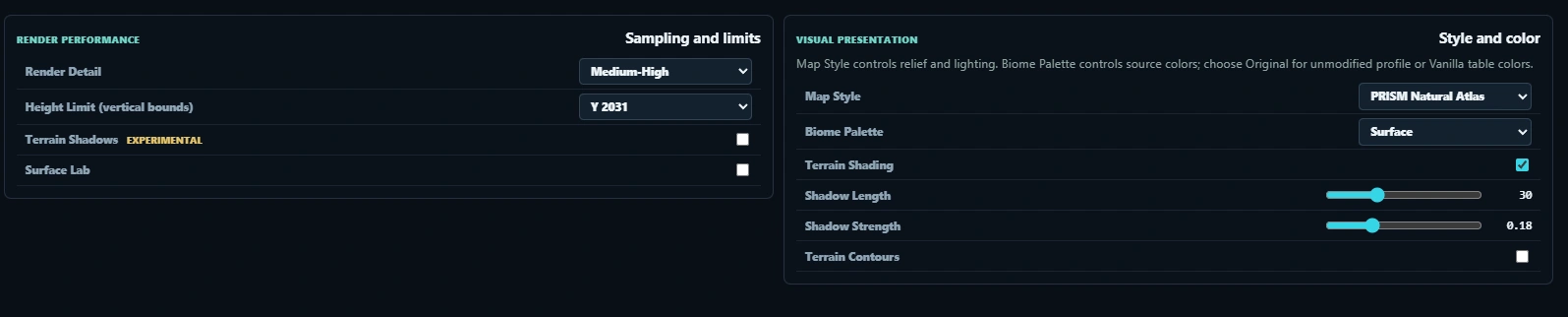
Real views from the current beta, spanning the large terrain canvas and the focused controls that keep presentation, analysis and export understandable.
04 / Privacy
Community runs without an account, activation, telemetry or analytics. It contacts updates.fbz-lab.dev only for signed update checks and downloads.
05 / Roadmap
Included in the current free beta build.
Surface, caves, Y-levels, biome colours, relief, contours, plus fog and height-difference maps on a freely navigable map.
The same tool on Linux (x86_64) as a portable directory install with the same signed updater.
Two states mirrored or side by side, with filters and change stats that show what a value actually did.
Search biomes and structures, filter results and run simple ranked seed scans.
Load your own datapacks and worldgen mod JARs from disk, or pull them straight from Modrinth.
Adjust values directly and create, export, import, and share your own presets.
Save the visible map as PNG and export tuning values as a loadable datapack ZIP.
Open complete launcher profiles, instances, server packs, or modpack folders and see what is inside.
Compare both states with a divider straight on top of each other.
Export the map at higher resolutions, keep your setup as a profile, import and export workspaces.
Run scans, diagnostics, and exports headless from the command line.
Have chunks generated ahead of time without launching Minecraft — with planning, progress, and safety rails.
Being reworked and locked in release builds for now.
Describe the world you want and WGL tunes terrain and biomes toward it.
View, compare, and edit structure placement rules.
Plan paths and routes across the real terrain of a world.
On the roadmap. No dates, no promises.
Deeper analysis and clip reports for exports and batch runs.
Place structures and settlements — with terrain-aware roads and abandoned rail corridors.
Chain worldgen jobs into repeatable pipelines.
Studio licenses for teams, with priority support.
06 / Boundary